Google Business Profile for Cafes: The Complete Guide (2026)
How to set up and optimise your cafe's Google Business Profile in 2026: verification, categories, hours, photos, menu, reviews, posts, and what changed when Google retired Q&A. Plus a fifteen-minute weekly routine. From the team behind Back Again.
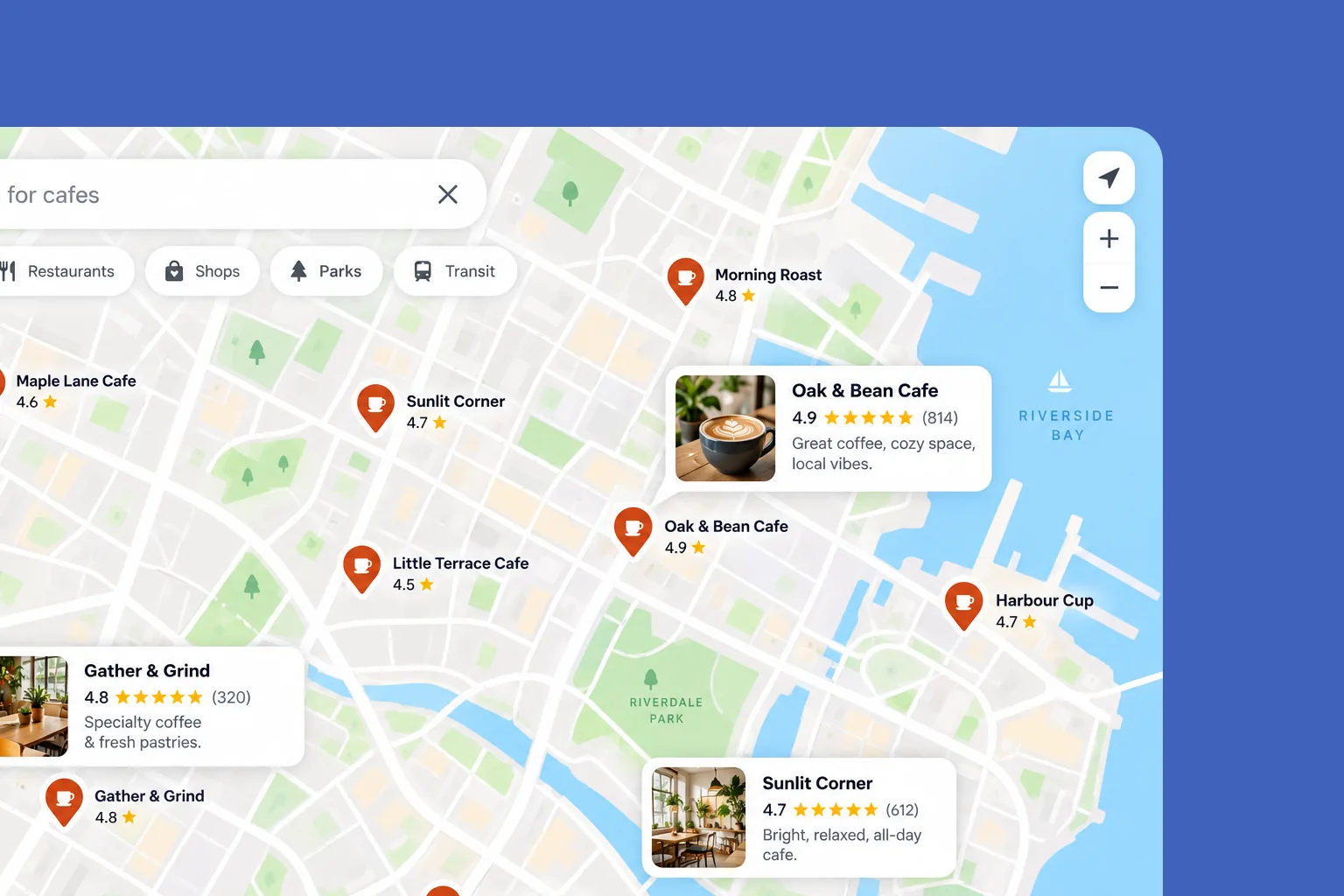
When somebody nearby searches "cafe near me", "coffee" or "breakfast" plus your suburb, the first thing they see is not your website or your Instagram. It is the map, and the three or four listings under it. Your Google Business Profile is that listing.
It is free, it has no paid tier, and for most independent cafes it is the marketing channel that sends the most people through the door. It is also the one most often left half finished.
We are the team behind Back Again, a loyalty and marketing platform for independent cafes. This is the practical guide we wish every owner had: what to fill in, what actually moves your ranking, and what changed recently.
How Google decides which cafe to show
Google ranks local listings on relevance, distance and prominence. That comes straight from Google's own guide to improving your local ranking:
- Relevance is how well your profile matches what someone searched for. A complete profile, with the right category and details, gives Google more to match.
- Distance is how far you are from the person searching. You cannot change it.
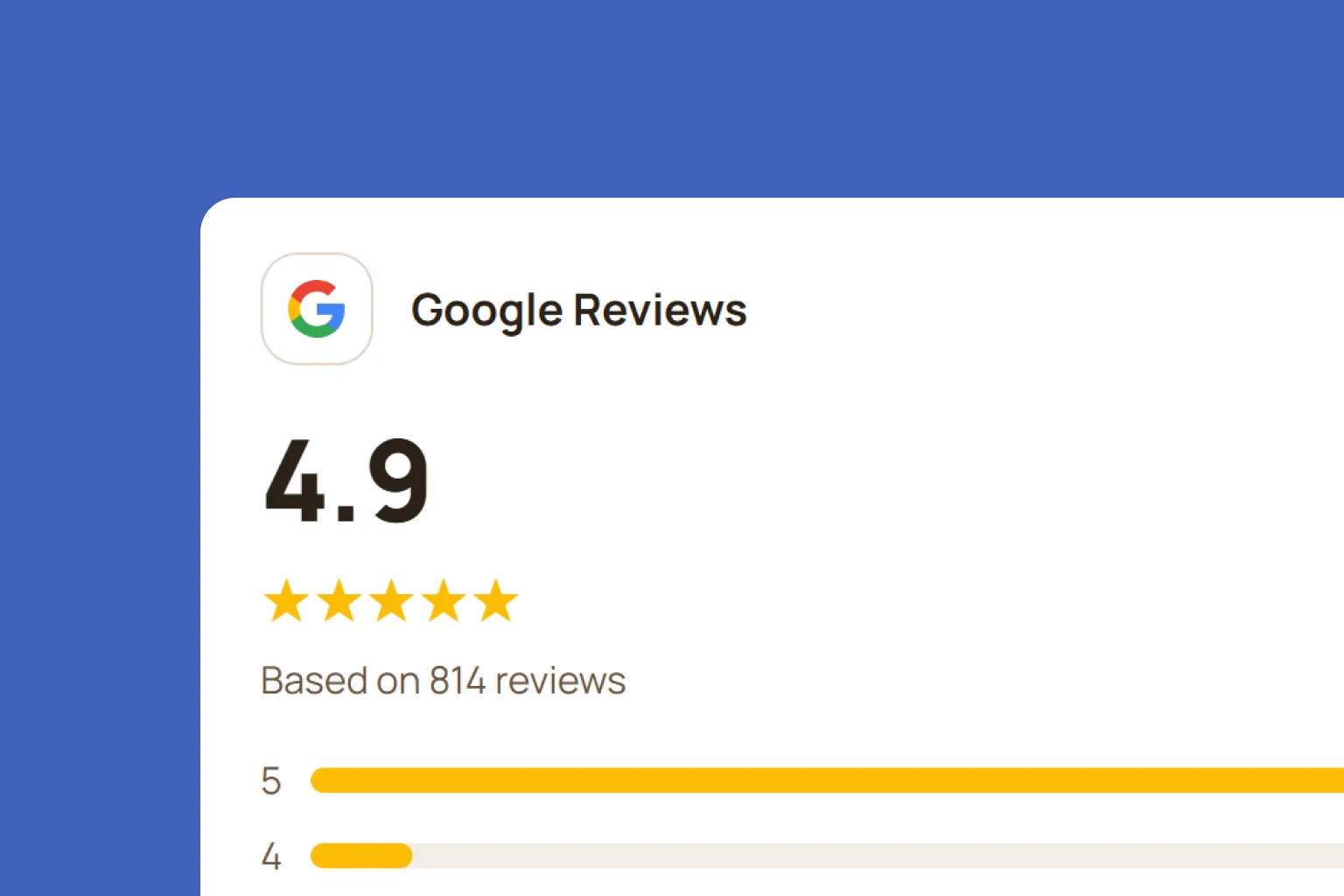
- Prominence is how well known you are. Google says your review count and rating, and links to you from other websites, feed into it.
Google also says, in so many words: "There's no way to request or pay for a better local ranking on Google." Agencies promising otherwise are selling something Google says does not exist.
So the job comes down to two things you do control: making the profile complete and accurate, and building reviews.
Setting it up properly
Claim and verify it
Search Google Maps for your cafe. If a listing exists, claim it; if not, create one at business.google.com. Then verify it, which proves you run the place. Google says verified profiles are more likely to show in results. Verification is often done by a short video showing your signage, your counter and that you can open up, so do it during opening hours with the sign visible.
Check for duplicates while you are there. An old listing from a previous owner, or one created by a customer, splits your reviews and confuses the map.
Use your real name, and nothing else
Your business name should be exactly what is on your sign. "Sisters Coffee", not "Sisters Coffee | Best Flat White Fitzroy". Adding keywords to the name breaks Google's rules for business information and can get the listing suspended. The place to describe what you do is the description and the category.
Choose the right primary category
For most cafes the primary category should be "Cafe" or "Coffee shop". Pick the one that best describes what most of your customers come for: food and sitting down, or coffee to go. Then add secondary categories for what else you genuinely are, such as "Breakfast restaurant" or "Brunch restaurant".
The primary category does a lot of work for relevance, so it is worth thirty seconds of thought. Do not add categories you are not, in the hope of appearing in more searches.
Get the hours right, including public holidays
Wrong hours are the fastest way to lose a customer for good. Somebody who walks over to find you closed rarely comes back.
Set your regular hours, then use special hours for public holidays, school holidays and any day you close early. Google specifically calls out special hours as part of keeping your information accurate. Put a reminder in your calendar a week before each public holiday to set them.
Fill in the attributes and description
Attributes are the small details Google shows and searches on: Wi-Fi, outdoor seating, dog-friendly, wheelchair access, takeaway, dine-in. Each one is a search someone can match you on. Fill in every one that is true.
Write the description the way you would describe the cafe to a friend: what you serve, what you are known for, the suburb. Two or three plain sentences beat a paragraph of adjectives.
Add your menu
Menus are what people check before choosing a cafe, and Google shows them on your profile. Add your menu, keep the prices current, and include a link to the menu on your website if you have one. Update it when the menu changes, not once a year.
Add photos, and keep adding them
Google lists photos and videos as one of its tips for standing out. Customers decide from them too.
Cover five things: the outside, so people recognise the front when they walk up; the counter; the seating; your food and coffee; and your team. Real photos taken on a phone in good daylight beat stock photography every time. Add a few new ones each month, especially when the menu or the season changes.
Reviews: the part that moves prominence
Reviews are the biggest lever you control on your Google ranking, because review count and rating feed directly into prominence. A steady flow of recent reviews matters more than a burst.
Getting them. Use "Ask for reviews" in your profile to get a short link and a QR code that open the review box directly. Put the QR code at the counter and on receipts, and ask at the moment a customer is happiest, not during a rush. Google is explicit that offering "free or discounted goods or services" in exchange for reviews is strictly prohibited, so never trade a coffee for a review.
Replying. Reply to every review, good and bad. Google lists responding to reviews among its tips, and other customers read your replies more closely than you might think. Keep positive replies short and specific. For negative ones: acknowledge, apologise if it is warranted, and take it offline.
We cover timing, scripts and how to handle a bad review in detail in how to get more Google reviews for your cafe, or the small business version if you are not a cafe.
Posts: free advertising on your listing
Google Business Profile posts appear on your listing when people find you. There are three types, per Google's help page:
- Updates, for news, with a photo or video and a button.
- Offers, which need a title and dates, and get a "View offer" button automatically.
- Events, with start and end dates and times.
A few things worth knowing. Posts older than six months are archived unless they have a date range. You can schedule a post for later and set it to repeat weekly or monthly. And Google reviews every post, so avoid putting a phone number in the text, which can get a post rejected.
What cafes should post:
- A new seasonal drink or menu item, with a good photo.
- A quiet-hour offer, such as half-price pastries from 3pm. Use the Offer type so it has dates. We go deeper on which windows to target in how to fill the dead hours at your cafe.
- Public holiday hours, a week ahead.
- An event: a tasting, a book club, a live music morning.
You do not need new content for this. The photo you post to Instagram works here too, which is one reason to batch your content once a week. Our Instagram for cafes guide covers the batching routine.
What changed recently
Three changes that older guides will not mention.
Q&A has gone. Google discontinued the public Questions and Answers section on Business Profiles in November 2025. Questions about your cafe are now increasingly answered by Google's AI, drawing on your profile, your reviews and your website. In practice, that makes a complete profile and a clear website more important than they were, because they are what the answers are built from.
Chat has gone. Google ended the messaging feature on Business Profiles in 2024. If customers want to message you, point them to Instagram or your phone number.
Profile-built websites have gone. The simple websites Google used to let you make from your profile were shut down in 2024. If yours was one, make sure your profile now links to a real website, even a one-page one with your hours, menu and location.
Measuring whether it is working
Your profile's performance view shows how many people found you, and how many called, asked for directions or clicked through to your website. Directions requests are the closest thing to a footfall number Google gives you, so watch that one.
Check it once a month, not daily. You are looking for the trend after a change, such as new photos or a run of new reviews, not day-to-day noise.
The fifteen-minute weekly routine
Once your profile is complete, this keeps it working:
- Reply to new reviews. All of them. Five minutes.
- Add two or three new photos from the week. Two minutes.
- Publish one post: a special, a new item or an event. Five minutes, using a photo you already took.
- Check hours for any public holiday or closure in the next fortnight. One minute.
- Glance at performance once a month.
Mistakes we see cafes make
- Keywords in the business name. Against Google's rules and a common reason for suspension.
- Wrong public holiday hours. The single most damaging error, because the customer finds out at your door.
- Ignoring reviews, especially negative ones. Silence reads as not caring.
- Stock photos. Customers can tell, and it makes the real thing a disappointment or a surprise.
- Incentivised reviews. A free coffee for a review is prohibited and risks the reviews being removed.
- Set and forget. A profile with photos from 2022 and no posts tells people, and Google, that nobody is minding it.
Frequently asked questions
How do I get my cafe to show up on Google Maps?
Create or claim your Google Business Profile at business.google.com and verify it. Verified profiles with complete, accurate information are more likely to show in local results, according to Google.
What category should a cafe choose on Google Business Profile?
Usually "Cafe" or "Coffee shop" as the primary category, whichever best describes what most customers come for. Add secondary categories only for things you genuinely are, such as "Breakfast restaurant".
How can I increase my cafe's Google Maps ranking?
Google ranks local listings on relevance, distance and prominence. Complete every part of your profile, keep hours accurate, add real photos, and build a steady flow of reviews with replies. Google says there is no way to pay for a better local ranking.
Is Google Business Profile free?
Yes. Google Business Profile is completely free, with no paid version.
Do I have to pay for my cafe to be on Google Maps?
No. Creating, verifying and managing your Business Profile costs nothing, and your cafe appears on Google Maps without paying.
Can I pay Google to rank higher on Google Maps?
No. Google says there is no way to request or pay for a better local ranking. You can pay for Google Ads, which appear as sponsored results, but that does not change where your listing ranks on its own.
Do I really need a Google Business Profile for my cafe?
Yes. It is the listing people see on Google Maps and in local search results before they ever see your website or Instagram, and it is free. If you do not manage it, Google may still show a listing for your cafe with out-of-date hours or photos.
How often should a cafe post on Google Business Profile?
About once a week is plenty. Posts older than six months are archived unless they have a date range, and you can schedule posts to repeat weekly or monthly.
How do I get more Google reviews for my cafe?
Use "Ask for reviews" in your Business Profile to get a link and QR code, put the QR code at the counter, and ask at the moment customers are happiest, such as straight after they collect a loyalty stamp. Reply to every review you get.
Can I offer a free coffee for a Google review?
No. Google says offering free or discounted goods or services in exchange for reviews is strictly prohibited. Ask for honest reviews at the right moment instead.
What happened to Q&A on Google Business Profile?
Google discontinued the public Q&A feature in November 2025. Questions about businesses are now increasingly answered by Google's AI using the profile, reviews and the business's website.
Should I put keywords in my cafe's business name on Google?
No. Your name should match your signage exactly. Adding keywords breaks Google's guidelines and can get your listing suspended.
How do I set holiday hours on Google Business Profile?
Use special hours in your profile to set opening times for public holidays and other one-off days. Set them a week ahead so customers see the right hours before they travel.
Where to start
If you do one thing today, open your profile and check three things: that it is verified, that your primary category is right, and that your hours for the next public holiday are set. That is ten minutes, and it fixes the errors that cost cafes the most.
Then put your review link to work. Back Again is a tap-to-stamp loyalty card that asks for a Google review at the best possible moment, straight after a stamp, and brings regulars back with win-back and birthday emails. It is free until your first 50 customers, then $39 a month AUD with no lock-in. See how it works or the pricing.
For the other free tools worth setting up alongside your profile, see the best free marketing tools for cafes, and for the wider picture, the best marketing for cafes.
Ranking factors, review rules and post rules are from Google's own Business Profile help pages, checked 14 October 2026. Google changes features often, so check the help centre for anything you are relying on.