How to Get More Google Reviews for Your Small Business in Australia (2026)
How to get more Google reviews for a small business in Australia: when to ask for each type of business, what to say, the rules Google and the ACCC set, how to reply to bad reviews, and how to automate the ask. From the team behind Back Again.
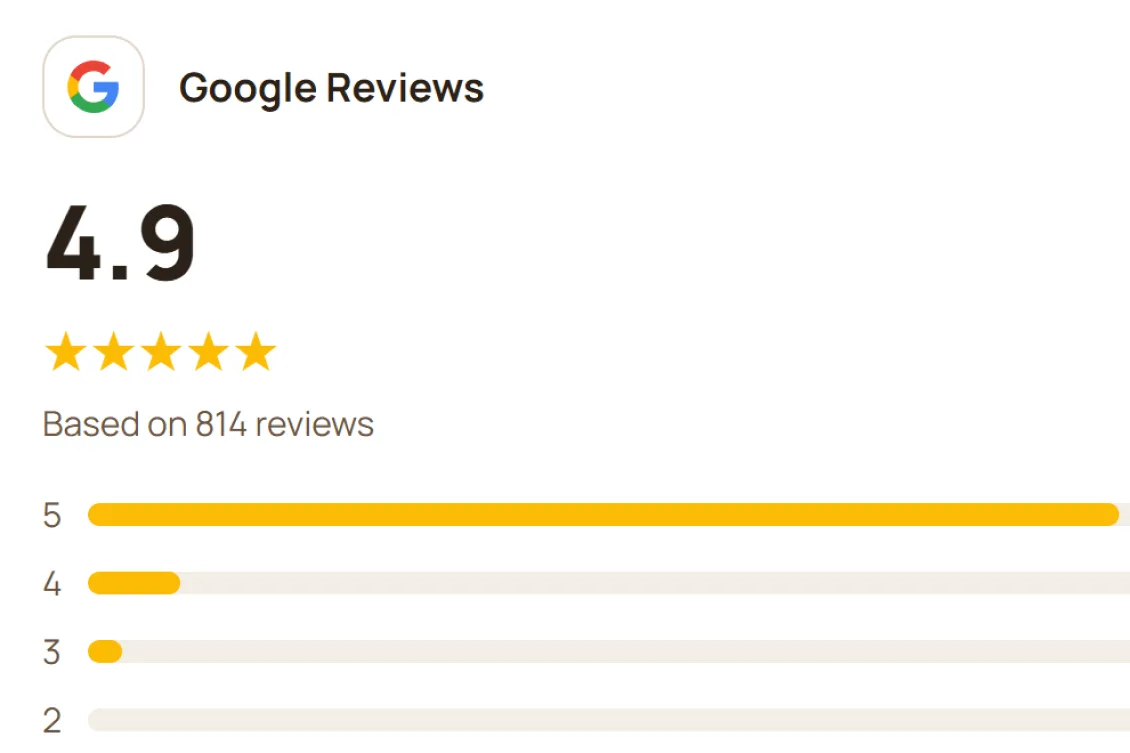
Most small businesses have the same Google reviews problem. The happy customers never get around to writing one, and the one unhappy customer wrote theirs the same night.
The fix is not luck and it is not pressure. It is a small, repeatable system that makes leaving a review easy for everyone who has just had a good experience, and stays inside Google's rules. This guide covers that system for any small business, with a section for each of the common types.
We are the team behind Back Again, a loyalty and marketing platform for independent businesses. One of the options below is ours, and we say which. We also wrote a café version of this guide and a complete Google Business Profile guide if you want the fuller picture.
Why reviews matter for a local business
Google says a business's prominence in local results depends on factors including its review count and rating. A steady stream of recent, genuine reviews helps you appear for searches such as "barber near me", and a rating and a few lines from real customers help the person deciding between you and the shop next door.
Google also notes that honest mixed feedback comes across as more trustworthy than a wall of perfect scores. So you are not aiming for 5.0. You are aiming for a lot of real reviews, spread over time.
Step one: get your review link
Everything else depends on this. Your Business Profile has an "Ask for reviews" option (Google's help page calls it a link or QR code you can share) that opens the review box directly.
- Sign in to your Google Business Profile and find the Ask for reviews option.
- Copy the short link, and save the QR code image.
- Test it on your own phone, while signed out of your business account.
Customers need a Google Account to post a review. Most people have one, but some will not, and that is fine.
If you have not verified your profile yet, start with our Google Business Profile guide. It is written for cafés, but the setup steps are the same for any business.
When to ask, by type of business
The principle is simple: ask at the point where a customer has just got what they came for, and ask everyone. What changes is where that point sits. These are suggestions based on how each kind of business works, not research figures.
| Business | A good moment to give everyone the link | How |
|---|---|---|
| Barber, hairdresser, beauty | As they pay, or by message later the same day | QR code at the till, text or email afterwards |
| Retail, boutique, homewares | At checkout, or a day or two later once they have used the purchase | Receipt QR code, follow-up email |
| Florist, gifts, bakery orders | After collection or delivery | Email or text the next day |
| Tradie, cleaner, mobile services | When you send or settle the invoice, or the day after the job | Link in the invoice email or footer |
| Gym, studio, classes | After a class or at the end of a first month | Sign at reception, email |
| Takeaway, deli, juice bar | At the counter, or via a loyalty card | QR code on the counter or bag |
The rules: what Google does and does not allow
This is the part that gets small businesses into trouble, usually without meaning to. Google's policy on user-contributed content is clear on several points.
Do not offer anything in return. Discounts, free items, entry into a draw or payment in exchange for a review are not allowed, and neither is offering something to get a negative review changed or removed. Google's business help page says the same. Reviews prompted this way are removed.
Do not only ask the happy ones. Google bans businesses from selectively asking satisfied customers for positive reviews, and from discouraging negative ones. This is often called review gating. A typical example is a feedback form that sends happy customers to Google and unhappy ones to a private inbox. Give every customer the same link.
Do not pressure people on the premises. Google's policy says businesses should not pressure customers to review while they are there, set staff quotas for asking, or ask for specific content, such as naming a staff member. A visible sign and a friendly line is fine. Standing over a customer with a phone is not.
Do not review your own business. Reviews from owners, current or former employees, and people connected to a competitor count as a conflict of interest and are not allowed.
Do not buy or fake reviews. Besides breaking Google's rules, it can break Australian law. The ACCC says businesses must not create fake or misleading reviews or arrange for others to, must not suppress or remove genuine negative reviews, and that if a business offers an incentive for reviews it must be offered whether the review is positive or negative and clearly disclosed. Past cases show the stakes: the ACCC lists a $600,000 penalty against Service Seeking, and $2.9 million against HealthEngine, which also covered other conduct. You can read the ACCC's guidance for yourself.
The simplest way to stay inside all of this: ask everyone, offer nothing, and let the review say whatever it says.
What to say
Short, honest and the same for everyone. Adapt these to how you talk.
At the till, with a sign:
"If you enjoyed your visit, we'd really appreciate an honest Google review. The QR code is on the counter."
On a receipt or card:
"How did we do? A quick Google review helps other people find us. [QR code]"
In an invoice email (tradies and services):
"Thanks again for choosing us. If you were happy with the work, an honest review on Google would help us a lot: [link]"
A follow-up message a day later:
"Hi [name], thanks for coming in yesterday. If you have 30 seconds, an honest Google review would help other locals find us: [link]. Thank you!"
Notice what is not in any of them. There is no "5 stars", no "if you were happy", and no reward.
A note on email and text. If you send review requests by email or SMS, the Spam Act may apply to them as marketing messages. The ACMA says marketing messages need consent, must identify your business and include an unsubscribe you honour within five working days. The safe approach is to send them to customers who have agreed to hear from you, and include an unsubscribe.
How many reviews to expect
Most customers will not leave one, however well you ask. Here is a simple illustration, not a benchmark.
Say 300 customers a month see your request, and 3 in 100 leave a review. That is 9 new reviews a month, or about 110 a year. Double the number of people who see the request, and you double the reviews.
That is why the ask has to be a system rather than something you do when you remember. Review count is one of the things Google says feeds into prominence, and a system is the only way to keep the count growing.
Automating the ask
The ask only works if it happens every time. A few ways to do it without relying on memory:
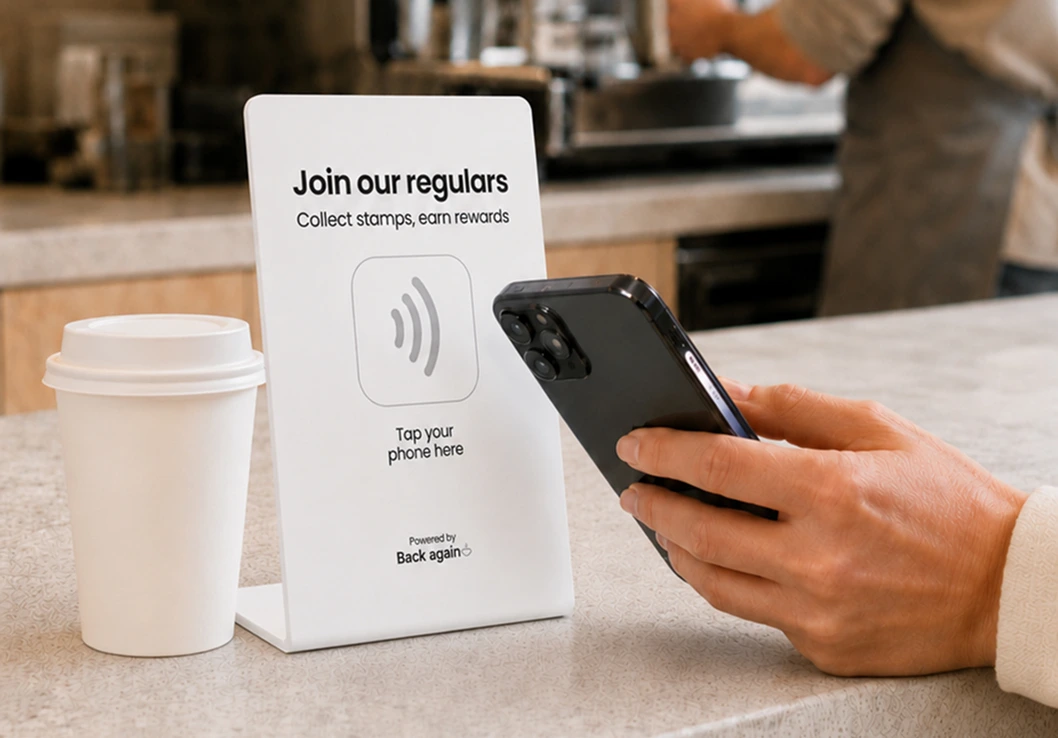
A QR code at the counter and on receipts. Free, and always on. Low conversion, but it never forgets.
A line in your invoice or booking confirmation template. For service businesses this is the easiest win. Add the link to your invoice footer once, and every customer gets it.
A follow-up message from your booking or email software. Many tools can send a message a day after an appointment or job. Check whether yours has this before paying for anything new.
A loyalty card that asks for you. In Back Again, a "Leave a review" prompt appears on the customer's phone after they collect a stamp, using the review link from your Business Profile. It shows for every customer who collects a stamp, not just those you think are happy, which keeps it on the right side of Google's gating rule. You can read more about it on how it works.
Dedicated review-request software also exists. For a small business it is usually more than you need until reviews become a major focus, so try the free options first.
How to reply to reviews
Replying is free, and Google's help page lists it among the things businesses should do. A few rules from the same page:
- Keep it short, professional and relevant. Avoid the same generic thank-you every time.
- Use the reviewer's name and sign off with yours.
- Do not use replies to push offers. Google asks that replies stay conversational rather than promotional.
- Never share a reviewer's private details, or make personal attacks.
A good reply to a positive review:
"Thanks Anna, it was a pleasure doing your kitchen splashback. Enjoy it, and give us a call if you need anything else. Dave"
A good reply to a negative review:
"Hi Mark, we are sorry your appointment ran late. That is not how we want people to feel. Please call me on [number] so I can make it right. Sam"
For the negative one: acknowledge, apologise if it is fair, do not accept blame for things you did not do, and take the detail offline. The next customer reading it is judging you by the reply as much as the review.
Bad and fake reviews
You cannot delete a genuine bad review, and you should not try. The ACCC says a business must have an adequate basis before removing or editing a review, and that suppressing genuine negative reviews can breach the law. Pressuring or paying a customer to take one down breaks Google's rules too.
You can flag reviews that break Google's policies. If a review is from someone who never used your business, is spam, is posted by a competitor, or clearly breaks the content policy, you can report it from your profile. The ACCC says a business concerned about a false review can ask the platform to remove it, or respond publicly to set the record straight. Keep a note of why you think it is fake.
One bad review among many good ones is not a problem. It makes the rest look more real.
Mistakes to avoid
Asking only the customers you think are happy. It is against Google's rules, and you are often wrong about who is happy.
Offering a discount or freebie. Tempting, and the fastest way to have reviews removed.
Asking for "5 stars". Ask for an honest review. The good ones will be five stars on their own.
Asking during the rush. Customers are not reading anything, and staff forget. Use a sign or a message after the visit.
Ignoring the reviews you already have. Replying is free and visible.
Getting staff, friends or family to write reviews. Google treats it as a conflict of interest, and it often gets removed.
Starting before the link works. Test your link and your QR code on a phone first.
Frequently asked questions
How do I get more Google reviews for my small business?
Get your review link and QR code from your Google Business Profile, then ask every customer in the same way at a consistent point, such as at checkout, on the invoice or in a message the next day. Offer nothing in return and ask for an honest review.
How do I ask customers for a Google review without being awkward?
Put the ask on a sign, a receipt or an automatic message, so you are not doing it in person. When you do ask in person, keep it to one line: "If you enjoyed your visit, we'd appreciate an honest review. The QR code is on the counter."
Can I give a discount or free item for a Google review?
No. Google does not allow discounts, free goods or services, or payments in exchange for reviews, and reviews prompted that way are removed. The ACCC also says any incentive must be offered for positive and negative reviews alike and clearly disclosed, so the safest approach is to offer none.
Can I only ask happy customers for a review?
No. Google bans selectively asking satisfied customers for positive reviews, which is often called review gating. Give every customer the same link.
Is it illegal to buy Google reviews in Australia?
Creating fake or misleading reviews, or arranging for others to, can breach Australian Consumer Law, according to the ACCC. The regulator has taken action: it lists a $600,000 penalty against Service Seeking, and $2.9 million against HealthEngine, which also covered other conduct.
How many Google reviews does a small business need?
There is no magic number. Google says review count and rating feed into local prominence, so more genuine, recent reviews help. A better target is a steady flow, such as a few a month, and a score that reflects how you really perform.
How do I create a Google review link or QR code?
In your Google Business Profile, use the "Ask for reviews" option to get a short link and QR code. Print the QR code for your counter and add the link to your invoices and emails.
Can I remove a bad Google review?
Not just because it is negative. You can report a review that breaks Google's content policies, such as spam, a fake from someone who never used your business, or a competitor smear. For a genuine bad review, reply professionally and take the details offline.
Should I reply to every Google review?
Replying to as many as you can is a good habit. Keep replies short, personal and professional. Google asks that replies stay conversational and do not promote offers.
Can my staff leave reviews for the business?
No. Reviews from owners, current or former employees and people connected to the business count as a conflict of interest under Google's policy and are often removed.
Can I email or text customers to ask for a review?
Yes, but the Spam Act may apply to those messages. The ACMA says marketing messages need consent, a clear sender identity and an unsubscribe you honour within five working days, so send them to customers who have agreed to hear from you.
Do review rules differ for health practitioners?
Regulated health practitioners have additional advertising rules on testimonials from Ahpra. Check the current Ahpra guidance before using reviews in any advertising.
Where that leaves you
Get your review link today and test it on your phone. Put a QR code at the till and a line in your invoice or follow-up template, using words you would be happy for anyone to hear. Ask every customer, offer nothing, reply to the reviews you get, and leave the occasional bad one alone.
If you want the ask to happen automatically after every visit, see how Back Again does it, or compare the free options in our guide to free marketing tools. If you are choosing a loyalty program, our small business loyalty guide covers what to look for.
Sources: Google's user-contributed content policy and Business Profile help on reviews, the ACCC's guidance on online reviews, the ACMA's guidance on avoiding spam and Ahpra's testimonial guidance, all checked 24 October 2026. Google changes its policies, so check its help pages for anything you are relying on. The review numbers in this post are an illustration, not a benchmark. This is a plain-English summary, not legal advice.